
The Magic Birthday Candle
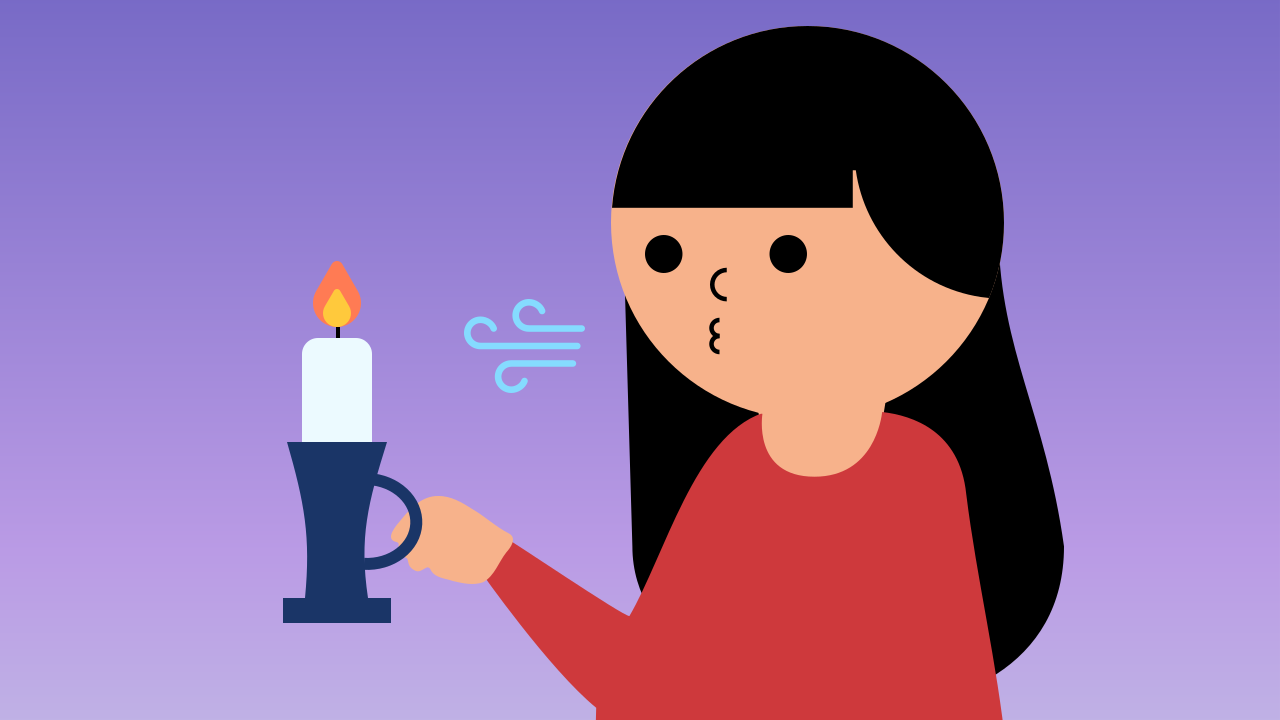
You already know how to use events to change variables and conditionals to make decisions. Now let's bring it all together in one magical project! In this mission, you'll build the complete cycle of an interactive program: an event (your breath) will change the state of a variable (candleLit), and a conditional will read that state to decide whether the candle shows up lit or blown out. Time to make a wish and blow!
Level Intermediate
What will we do?
Are you a teacher?
Courses
- Grades 6-12
Materials
- Mobile phone, tablet, or computer
- Internet connection
- Cardboard, scissors and a couple of rubber bands to hold the phone against the cardboard
Description
This is a key synthesis activity that brings together the concepts from the previous lessons: events, state variables, and conditionals. Students will build an interactive digital candle, which lets them see the full "User Action -> State Update -> Program Reaction" cycle in action.
Educational Objectives
- Combine the use of events, variables, and conditionals in a single program.
- Understand how these three pieces work together to create interactive programs that have a state.
- Implement a "switch" or "toggle" behavior (on/off) using boolean logic.
- Reinforce the architecture of a program that separates event detection from rendering logic.
Start (10 minutes) - The Engine of Interaction
- Welcome the class: "Today we're going to assemble the complete engine of interactive programming. We'll build a magic birthday candle that we can blow out and light again."
- Break the cycle down: "Let's think about how it works. What is the 'action' we perform?" (Blowing). "That's our event. Which 'state' of the candle changes?" (From lit to blown out). "That's our variable. And what is the 'decision' the program makes?" (Whether to show the flame or not). "That's our conditional. Today, we'll see how these three pieces work in perfect harmony."
The Complete Interactive Cycle
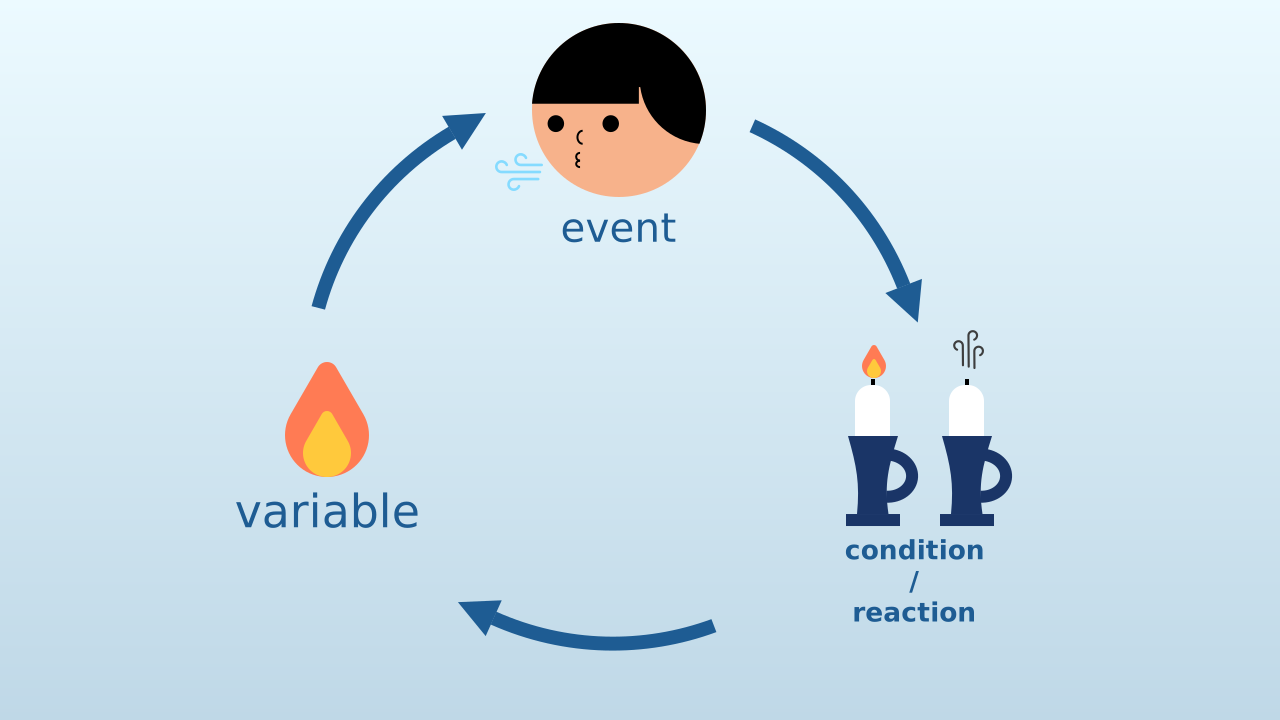
Most of the apps you use, from video games to social media, are built on one fundamental three-step cycle:
- User Action (Event): You do something (a click, a tap, a puff of air). The program detects it as an event.
- State Update (Variable): In response to the event, the program updates its memory (a variable) to remember what happened.
- Program Reaction (Conditional): The program, which is running non-stop, reads that memory and decides how to change what you see or hear. Today, you'll build that exact cycle!
Switch Logic (Toggle)
Our candle doesn't just go out; it can be lit again with another puff! This is called "switch" or "toggle" logic.
Instead of simply setting the candleLit variable to FALSE, we set it to (not candleLit). This special block flips the current boolean value:
- If
candleLitwas TRUE, it becomes FALSE. - If
candleLitwas FALSE, it becomes TRUE. With a single block, we can light the candle and blow it out using the very same action!
The Architecture of Our Program
Our program has two main parts that work as a team:
- The Event Listener: It is always "listening" to the microphone in the background. Its only job is to flip the state of the
candleLitvariable when it detects a puff of air. It doesn't care about the animation. - The Animation Engine (Main Loop): It is always "drawing" on the screen. Its only job is to look at the
candleLitvariable on every cycle and decide: do I draw the flame, or do I leave the screen black? The true branch alternates between two frames — the flame tip at a random spot and the tip at the center — with 200 ms in between. Before each tip, the candle is drawn again: that redraw is what puts out the previous tip. If you remove it to simplify things, the tips pile up and the flame stops flickering. It doesn't care where the change came from.
Development (20-30 minutes) - Programming the Wish
- Now that the students have a mental map of the interactive cycle, it's time to build it.
- Guide them through the instructions for creating the candle and programming the complete interaction, as detailed below. It's important that they notice how the event block and the main loop are independent, yet talk to each other through the variable.
Closing (5-10 minutes) - Following the Flow of Data
- Once everyone can blow out their candle, it's time to look at how the information flows.
- Start the discussion: "Describe the journey the information takes through our program. What starts the change? Where is that change stored? Who reads that change in order to act on it?" (Event -> Variable -> Conditional). Stress that this pattern is the foundation of almost every app they use.
Reflect
Describe the "interactive cycle" in this project. What is the event, what is the state variable, and what is the conditional that reacts?
What exactly does the set candleLit to (not candleLit) block do? Why is it more flexible than simply setting the variable to FALSE?
If you wanted the candle to be blown out only once (and never lit again), what would you change in the event block?
The Complete Interactive Cycle
Most of the apps you use, from video games to social media, are built on one fundamental three-step cycle:
- User Action (Event): You do something (a click, a tap, a puff of air). The program detects it as an event.
- State Update (Variable): In response to the event, the program updates its memory (a variable) to remember what happened.
- Program Reaction (Conditional): The program, which is running non-stop, reads that memory and decides how to change what you see or hear. Today, you'll build that exact cycle!
Switch Logic (Toggle)
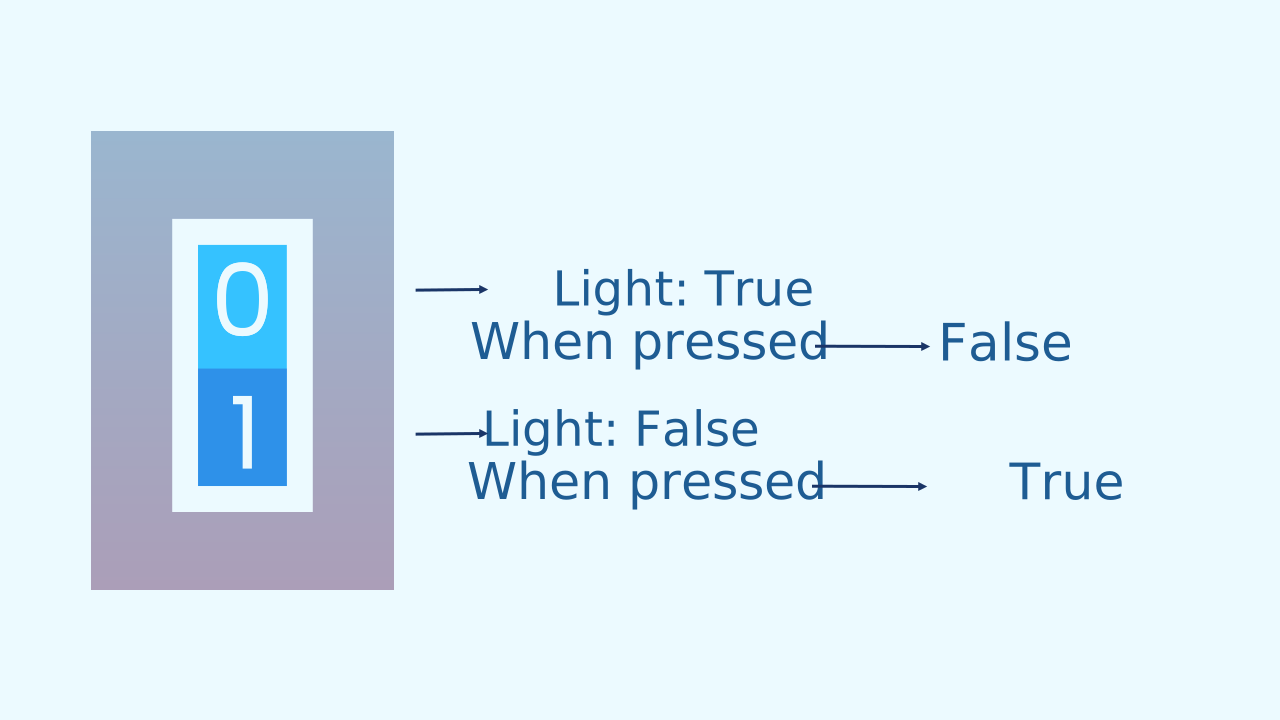
Our candle doesn't just go out; it can be lit again with another puff! This is called "switch" or "toggle" logic.
Instead of simply setting the candleLit variable to FALSE, we set it to (not candleLit). This special block flips the current boolean value:
- If
candleLitwas TRUE, it becomes FALSE. - If
candleLitwas FALSE, it becomes TRUE. With a single block, we can light the candle and blow it out using the very same action!
The Architecture of Our Program
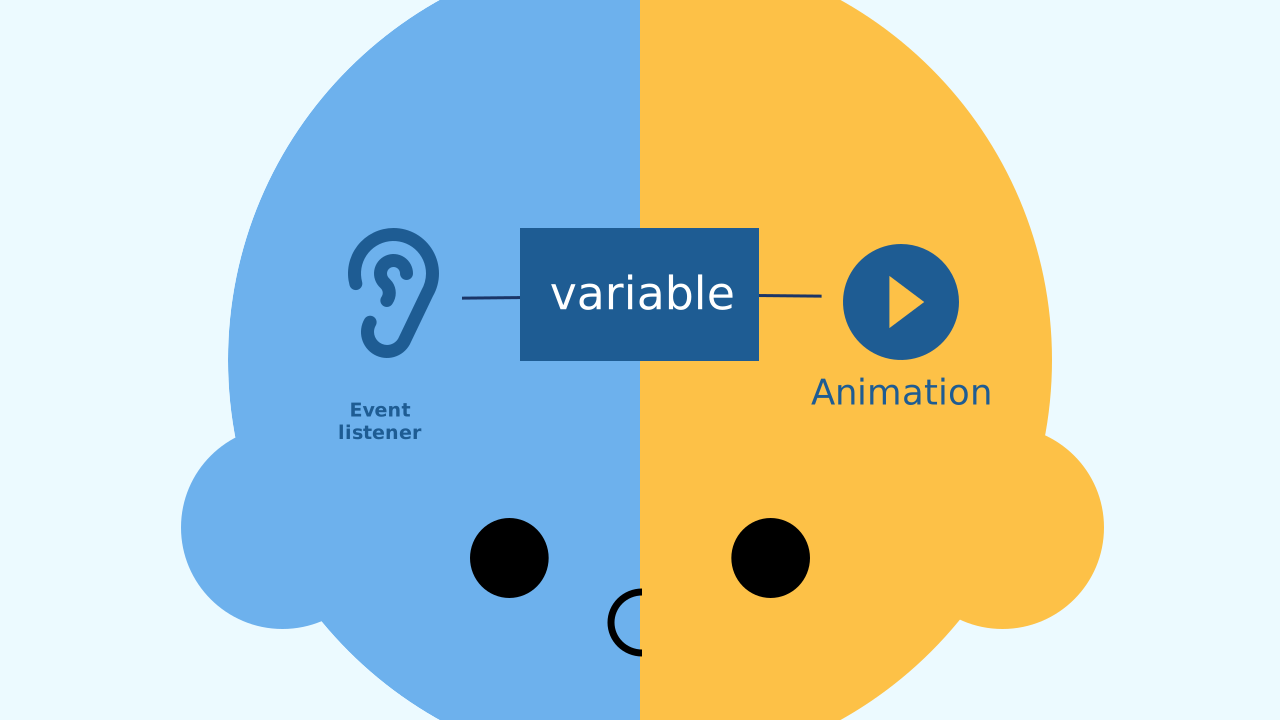
Our program has two main parts that work as a team:
- The Event Listener: It is always "listening" to the microphone in the background. Its only job is to flip the state of the
candleLitvariable when it detects a puff of air. It doesn't care about the animation. - The Animation Engine (Main Loop): It is always "drawing" on the screen. Its only job is to look at the
candleLitvariable on every cycle and decide: do I draw the flame, or do I leave the screen black? The true branch alternates between two frames — the flame tip at a random spot and the tip at the center — with 200 ms in between. Before each tip, the candle is drawn again: that redraw is what puts out the previous tip. If you remove it to simplify things, the tips pile up and the flame stops flickering. It doesn't care where the change came from.
Create
Let's blow out the candles!
Build the cardboard model— you will also need a couple of rubber bands to hold the phone against the cardboard
- We'll need 2 components: NoiseLevel to detect the 'puff' (a sudden increase in noise) and LEDDraw to show our candle and its flame.
- Remember to scan or open both components on your device.
We're ready to program our wish!
Code Composition
Notice the elegant split of jobs. The event block when noise level sudden increase only takes care of changing the candleLit variable. Meanwhile, the main loop runs non-stop, and its if... else... block only takes care of reading that same candleLit variable to decide which animation to show on the screen. It's perfect teamwork, and it all happens through one variable!
Reflect
Describe the "interactive cycle" in this project. What is the event, what is the state variable, and what is the conditional that reacts?
What exactly does the set candleLit to (not candleLit) block do? Why is it more flexible than simply setting the variable to FALSE?
If you wanted the candle to be blown out only once (and never lit again), what would you change in the event block?