
Turn On a Heart
Have you ever wondered how your favourite games or apps work? It all starts with a single instruction. Get ready to send your first command and light up a glowing heart on the screen. In this mission you will discover the magic of programming by learning to tell a device exactly what to do, using simple visual blocks.
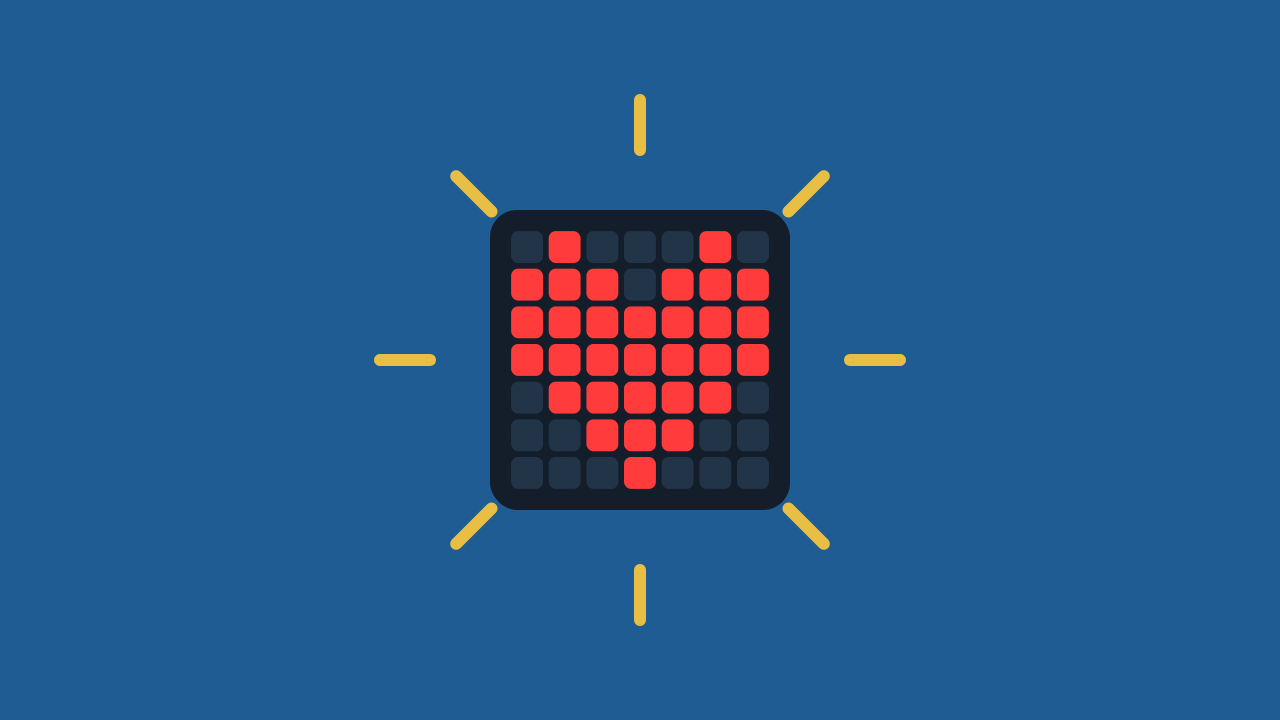
Level Basic
Are you a teacher?
Grades
- Grades 3-12
Materials
- Mobile phone, tablet or computer
- Internet connection
Description
In this activity students have their first experience with Protobject: they learn what block programming is and discover that a program is made of instructions, sending their first command to light up a glowing heart on an LED panel.
Educational Goals
- Understand the concepts of "block programming" and "instruction".
- Create a technological object (prototype) using a device.
- Identify the relationships between technology and the surrounding world.
- Evaluate their own work and that of others, individually and in teams.
- Take part in dialogue and reflection to propose improvements.
Opening (10 minutes) - Spark the Idea
- Welcome the class and present the activity: "Today we will learn to prototype with Protobject and light up a glowing heart."
- Spark their curiosity with a question: "Do you know what programming is?"
- After a short discussion to gather their ideas, it is the perfect moment to introduce the fundamental concepts. Explain that programming is simply a way of giving super-specific instructions to a computer, and that we will use fun visual blocks instead of complicated text. Let's explore these ideas together.
What is Programming?
Programming means giving a computer a series of specific instructions to complete a task. This way, the computer knows exactly what to do by following the steps you set out. Programmers use a special language that computers can understand. We call it a programming language, and it can be based on text or on blocks.
Text vs. Blocks: Two Ways to Program
Text programming is like writing a recipe from scratch, using languages such as Python, Java or C++. It can be hard for beginners.
Block programming, on the other hand, is like building with LEGO® bricks. Each block is a ready-made piece of code you can simply drag and snap together with others, no typing needed. This is exactly the kind of programming we use in Protobject!
One Instruction, One Effect
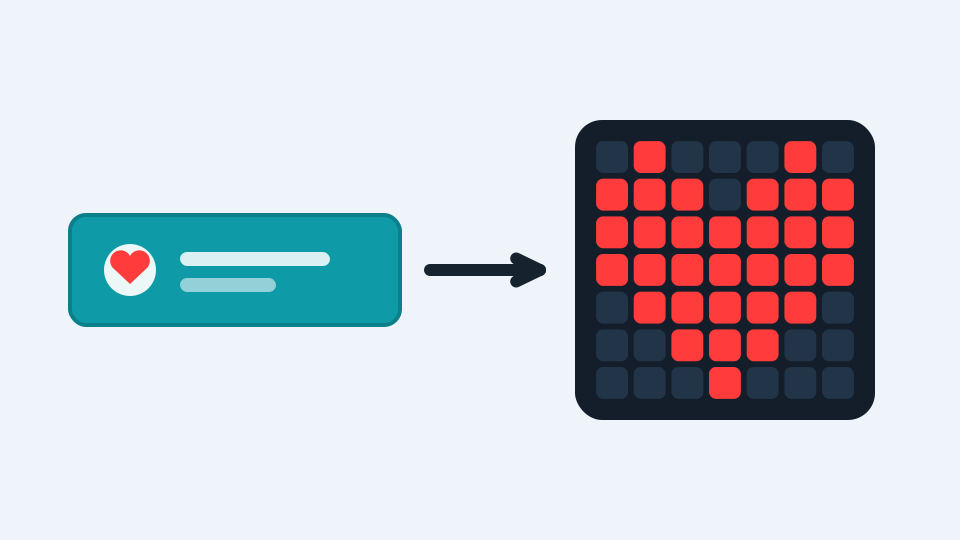
In Protobject every block is an instruction: an order your device will carry out to the letter. Today we will use a single block. That block will tell a panel of tiny lights — an LED panel — to show a heart-shaped drawing. One single instruction, and the heart lights up: that is a program, the smallest one in the world!
Development (20-30 minutes) - Building the Prototype
- Now that the key concepts are clear, it is time to get to work and light up that heart! Prepare the students for the hands-on phase.
- Make sure every student has a device ready and guide them through the step-by-step process to create their first prototype, as described below.
- Note for the teacher: try the activity before the lesson to anticipate possible questions.
Closing (5-10 minutes) - Reflection and Final Challenge
- Great work! Once the students have lit up their hearts, it is time to stir their curiosity further and reflect on what just happened.
- Start the discussion with a simple question: "You lit it up with a single instruction. What would you order it to do next?" Let them propose ideas: change the colour, change the drawing, turn it off. Every proposal is a new instruction, and that is exactly how programs are born. Use the following questions to guide the conversation.
Reflect
You lit up the heart with a single instruction. What exactly did you order the device to do?
If you wanted a heart in another colour, what would you change in the block?
And to turn it off? What instruction do you think it would take?
What is Programming?
Programming means giving a computer a series of specific instructions to complete a task. This way, the computer knows exactly what to do by following the steps you set out. Programmers use a special language that computers can understand. We call it a programming language, and it can be based on text or on blocks.
Text vs. Blocks: Two Ways to Program
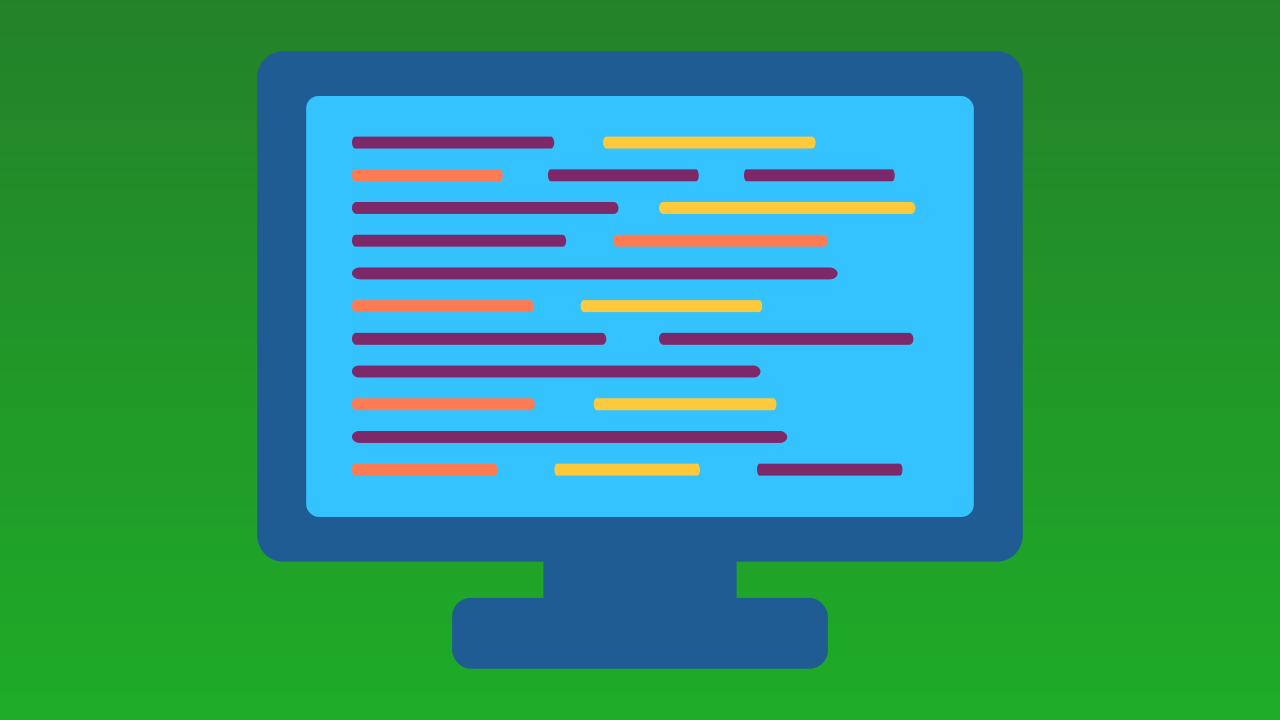
Text programming is like writing a recipe from scratch, using languages such as Python, Java or C++. It can be hard for beginners.
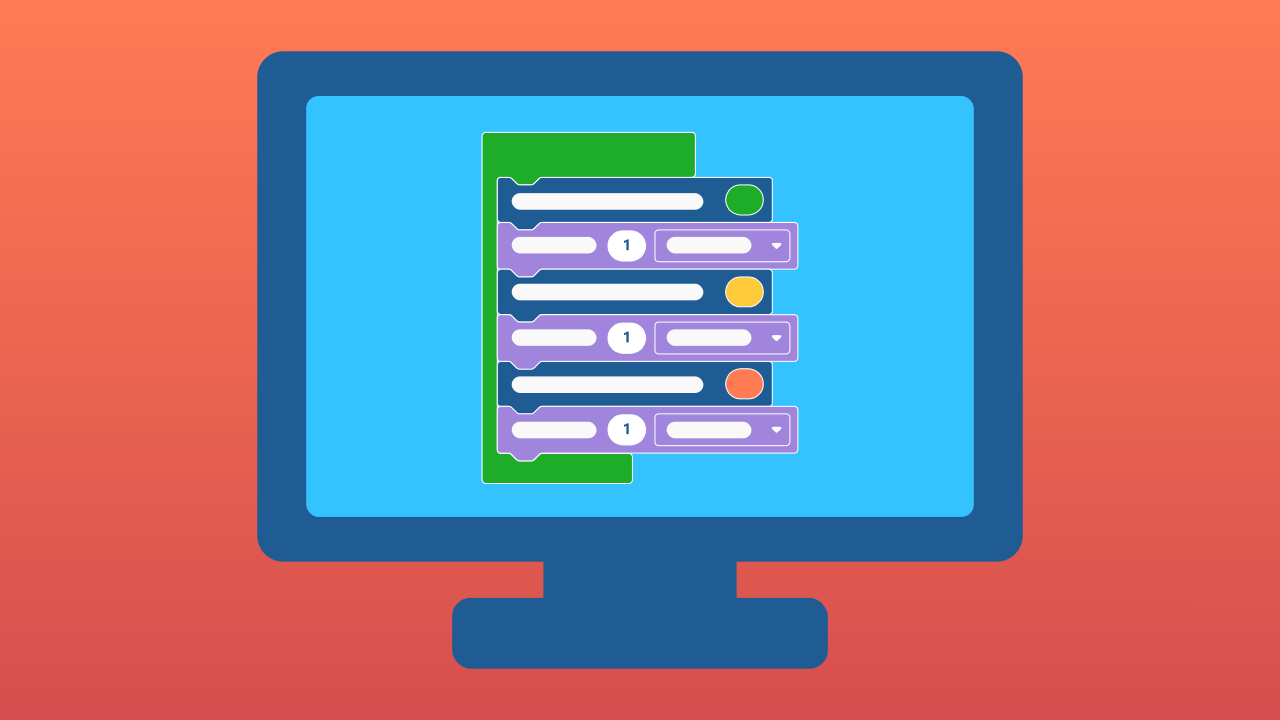
Block programming, on the other hand, is like building with LEGO® bricks. Each block is a ready-made piece of code you can simply drag and snap together with others, no typing needed. This is exactly the kind of programming we use in Protobject!
One Instruction, One Effect
In Protobject every block is an instruction: an order your device will carry out to the letter. Today we will use a single block. That block will tell a panel of tiny lights — an LED panel — to show a heart-shaped drawing. One single instruction, and the heart lights up: that is a program, the smallest one in the world!
Create
Let's light up a glowing heart with Protobject.
- Open Protobject on the computer and press ✙ Add device, then select the LEDDraw component: it is the panel where the heart will light up.
- Scan the ▣ QR code with your smartphone.
- Remember that if you do not have a smartphone to scan QR codes, you can press Open in this window to open the component on the same computer.
Now we are ready to write the code.
Code Composition
Every program starts from the when the program starts block: everything you put inside it runs in order. Our program has a single instruction: the block that draws the heart. Put it inside, light up the squares in the shape of a heart, and the program is ready. Click the question marks to open the comments that explain the blocks.
Now start the prototype!
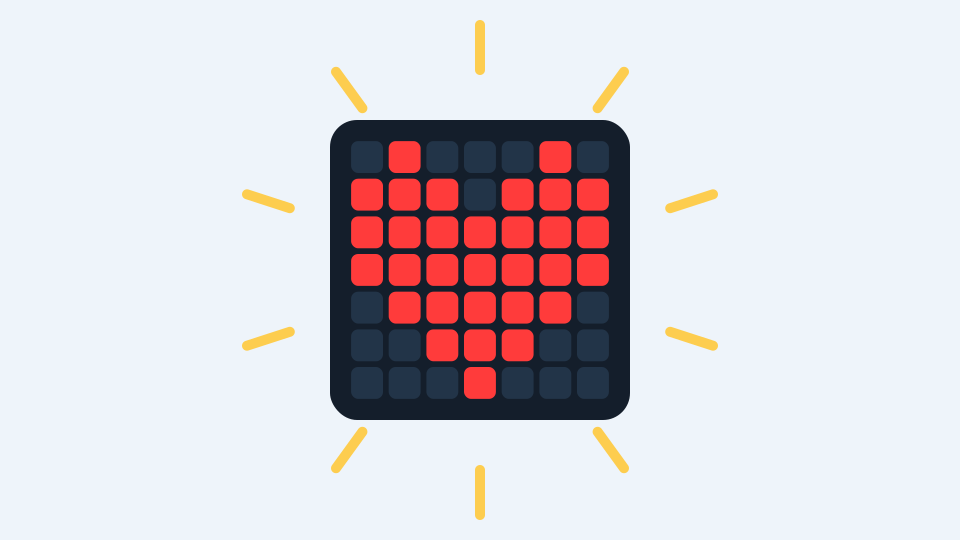
Press the green ▶ RUN button and look at your device: the heart lights up!
Reflect
You lit up the heart with a single instruction. What exactly did you order the device to do?
If you wanted a heart in another colour, what would you change in the block?
And to turn it off? What instruction do you think it would take?